

Zenario 10.4 is here
5 Feb 2026
Zenario 10.4 has been launched to our Tribal Systems-hosted customers. We hope to make it available for download in the next few weeks.
In-line analytics
Zenario administrators can now see traffic for all pages of a site just by being logged in to admin mode, and by clicking the "Analytics" action.
This is achieved via a new module, which allows Zenario to integrate with Matomo Analytics.
Once the module is installed and running, and the API key is in place, it's possible to view visitor analytics within Zenario.
Just look for the Analytics dropdown in the admin toolbar, like this:
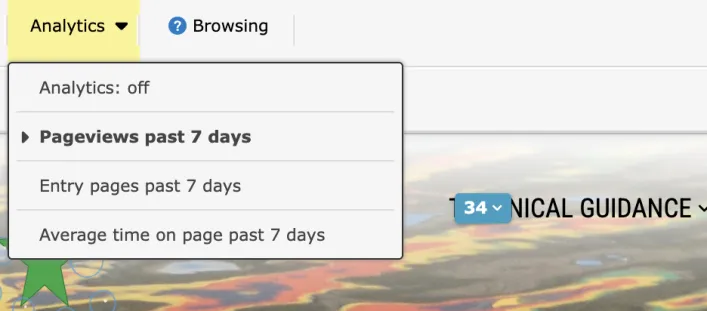
Select one of the views, such as "Pageviews past 7 days". Small badges appear over all links in the site, showing the number of views, and the trend since the previous period:

You can also show the average time spent on each page by visitors:

For further in-depth analytics, click the small "Analytics" icon in the top-right corner:
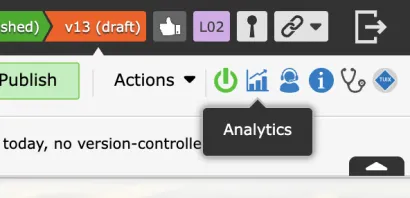
That will take the administrator to the full Matomo analytics interface, where much more in-depth data is available.
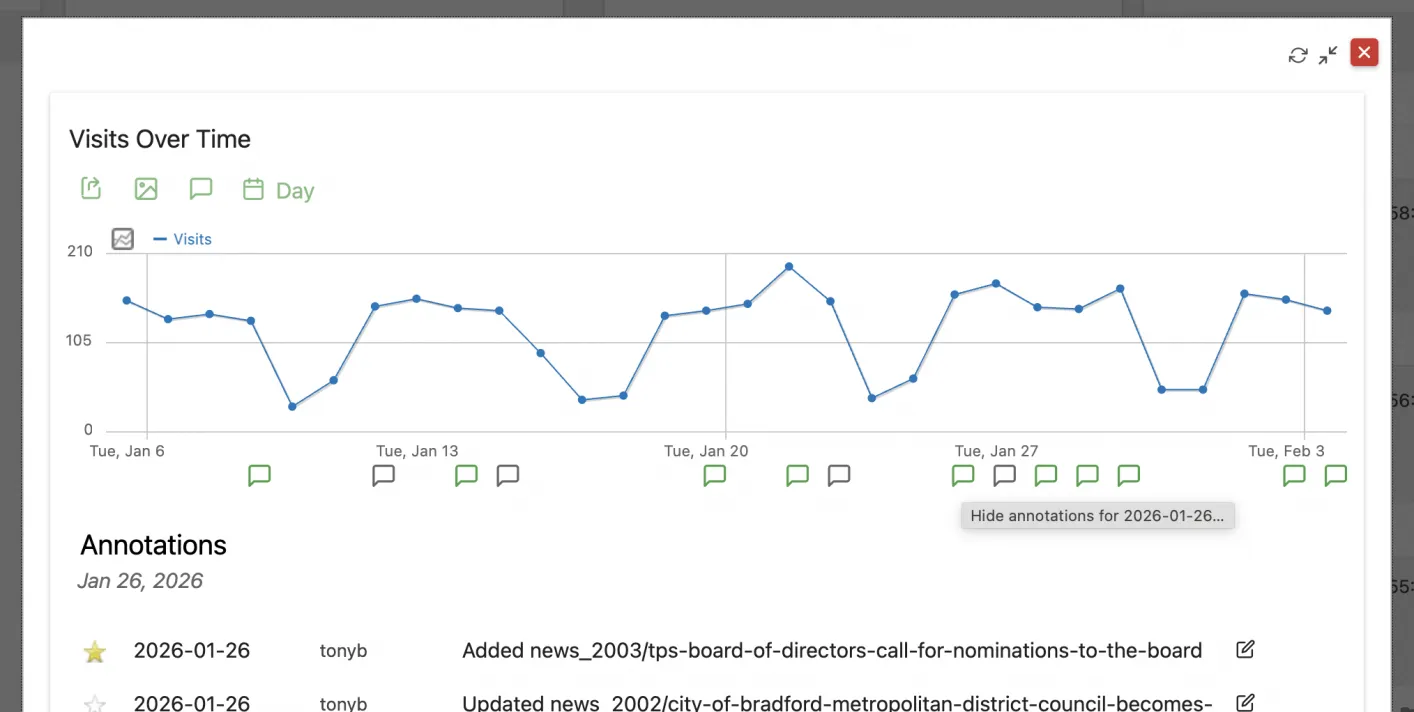
A particularly useful view is in "annotations", where Zenario records an annotation whenever a page is added, modified, or removed. Annotations appear on the visitor time chart like this:
We are intending to keep improving the analytics capabilities through the up-coming releases of Zenario.
Other changes in 10.4
Newsletters
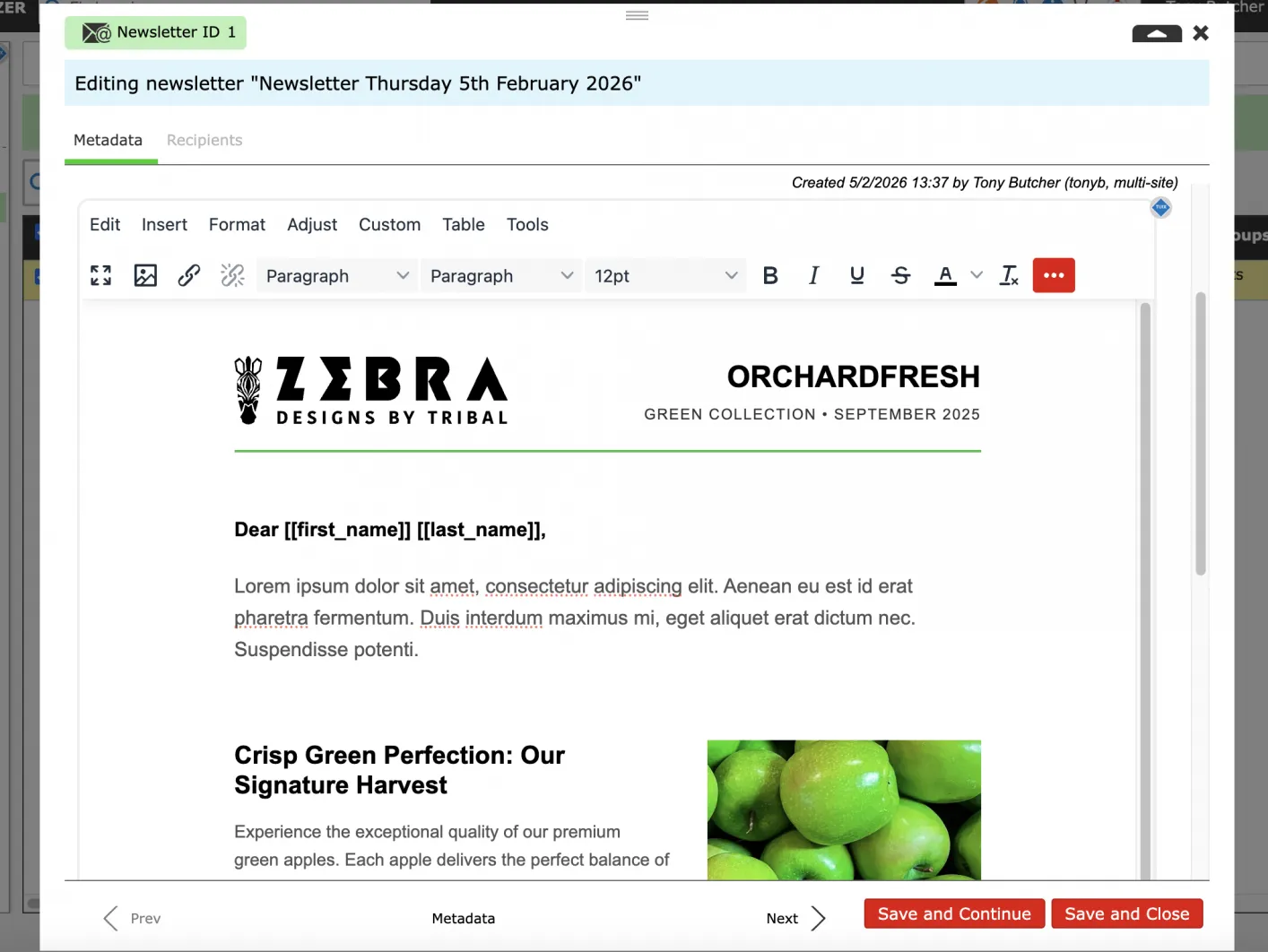
When starting the Newsletter module, Zenario now installs some starter templates.
For example, in a brand new Zenario site, there's a newsletter template like this:
Extranet features
We have improved the experience of setting a password when the user first logs in and needs to choose a password.
We have added a new no-permission setting for content items. This makes it easy to disallow all user access, but without having to make the item be Hidden.
Nests and Ajax Nests
There is now a feature to export the specification of a nest or Ajax nest as a file. This makes it easier to prepare a complex interactive nest on one site (e.g. a development site), and to easily transfer all of its settings to another site (e.g. a live site).
FEA-based lists now show the count of items both at the top and at the bottom of lists. (On short lists they are only at the top.)
We have improved Zenario's handling of pagination.
Plugins
We have re-organised Zenario's roughly 100+ pluggable modules according to where they may be used. For example, some plugins should only be used on layouts, while others should only be used on on content items, and others in nests.
With version 10.4, we have introduced a labelling system so that administrators only see plugins that are relevant to the place where they are trying to insert something.
We have removed "access key" support from menu nodes, as this is no longer considered beneficial for accessibility.
Documents
In hierarchical documents, Zenario now records and displays admin username and date/time
E-Commerce
Fixed a bug whereby a delivery address could be saved and then removed in the user's profile, and the address as not being deleted from the database. Also improved the Basket and Checkout pages so that they recalculate on the fly according to the delivery destination country of an order.
Phrases
On multi-lingual sites, phrases are now easier to manage, because in mode-based plugins the phrases now only appear in the mode for which they were intended.
Menus
The Menu site setting for "Show invisible menu nodes" was making published-unlisted menu items appear in mobile push-pull menu. This no longer appears.
Organizer
On the panel of Users, it's now possible to easily see whether users have or haven't logged in.
Site-wide HTML
Modules can now add code to site-wide header JavaScript.
Zenario 11.1 announced
27 Aug 2026
Zenario 10.4 is available for download
10 Jun 2026
Zenario 10.3.67241 patch released
8 Jun 2026
Zenario 11 has arrived
21 May 2026
